Table of Contents
Loved what you read? Share it with others!


Ceiling Fan Noise Problems: Causes, Easy Fixes and Maintaining Tips in 2026
Updated : December 23, 2025, 1:34 PM
Author :
 Krishnanunni
Table of Contents
A peaceful home environment can quickly become unsettling due to a fan making noise, disrupting the comfort of your space. Common fan noise scenarios include loose screws, unbalanced blades, motor wear, or accumulated dust, all of which can affect performance. Addressing these problems promptly is essential to maintain energy efficiency, prevent further mechanical damage, and ensure safety. Understanding the importance of fixing noisy ceiling fans helps homeowners preserve both functionality and tranquillity. This guide provides a professional overview of identifying noise sources, implementing effective maintenance solutions, and determining when expert assistance is required, ensuring your ceiling fan operates smoothly and quietly for the long term. [1][2][3]
Common Causes of Ceiling Fan Making Noise
When your ceiling fan is making noise, it often signals underlying mechanical or balance issues. Identifying these causes early helps maintain smooth, quiet, and efficient fan performance.
- If your ceiling fan is making noise, it usually indicates a mechanical imbalance or maintenance issues.
- Loose screws, brackets, or fittings can cause rattling, while unbalanced or bent blades can cause wobbling or clicking.
- Worn-out motor bearings often create humming or grinding sounds that worsen over time.
- Dust and dirt buildup can also add friction, increasing the noise level. In some cases, improper installation or blade misalignment is to blame.
- Understanding these causes helps ensure smoother, quieter fan operation. [1][4]
How to Fix a Fan Making Noise?
If your fan makes noise when rotating, addressing it promptly can restore smooth operation. Begin by turning off the power and inspecting for loose screws, brackets, or mounting hardware, tightening them as needed. Clean the blades and motor housing to remove dust and debris that can cause an imbalance. Check for warped or unaligned blades and use a balancing kit if necessary. Finally, lubricate the motor bearings, reassemble, and test the fan to ensure quiet, efficient performance. [2][3]
Steps:
If your fan makes noise when rotating, follow these detailed steps to restore quiet and efficient operation:
- Step1: Turn Off Power: Ensuring the fan is completely stopped prevents accidents, electrical shocks, and further damage during maintenance or adjustments. [4]
- Step2: Tighten Loose Components: Inspect all screws, blade brackets, and mounting hardware carefully. Over time, vibrations can loosen these components, causing rattling or wobbling, so tightening them properly reduces noise and improves the fan’s stability during operation. [1]
- Step3: Clean Blades and Motor: Dust and debris accumulate on blades and inside the motor housing, creating friction and imbalance. Thorough cleaning with a soft cloth or brush removes these particles, ensuring smoother rotation and quieter performance. [4]
- Step3: Balance Blades: Warped or misaligned blades often produce wobbling and clicking sounds. Using a blade balancing kit helps distribute weight evenly across all blades, minimising noise and improving the overall efficiency of the fan. [1]
- Step4: Lubricate Motor Bearings: Over time, motor bearings can dry out, causing humming, grinding, or squeaking sounds. Apply a suitable lubricant to the bearings to reduce friction, improve rotation, and extend the fan’s operational lifespan. [4]
- Step5: Test Fan: After completing all adjustments and maintenance, switch the fan on and observe its operation. Ensure blades rotate smoothly without wobbling or unusual noise, confirming that the fan now operates efficiently and quietly. [1][4]
Preventive Maintenance Tips for a Quiet Ceiling Fan
A ceiling fan that runs quietly improves comfort and efficiency, while a fan that makes noise when rotating can be distracting and may indicate potential issues. Regular preventive maintenance keeps your fan functioning smoothly, reduces wear and tear, and prevents unexpected mechanical or electrical problems. Implementing simple, routine steps can extend the lifespan of your ceiling fan and maintain a peaceful, quiet home environment. [2][3]
- Regular Cleaning: Dust and debris buildup can cause a fan to make noise when rotating. Clean blades, motor housing, and surrounding areas regularly with a soft cloth or vacuum to maintain balance and prevent friction-related sounds.
- Check and Tighten Screws: Loose screws or blade brackets often result in a fan making noise when rotating. Inspect and tighten all components periodically to ensure stability and reduce rattling or wobbling during operation.
- Lubricate Moving Parts: A fan makes noise when rotating due to dry motor bearings or moving components. Apply the recommended lubricant to bearings and moving parts to maintain smooth, quiet performance.
- Balance the Blades: Uneven or warped blades can make a fan make noise when rotating. Use a balancing kit to distribute weight evenly, minimise wobbling, and ensure efficient, noise-free operation over time.
- Inspect Electrical Connections: Faulty wiring or motor issues can cause a fan to make noise when rotating. Periodically check electrical connections and call a professional if any unusual humming or sparking is noticed to prevent hazards. [2][3]
How NoBroker Can Help
A fan making noise can be more than just an annoyance; it often signals mechanical issues that, if ignored, may lead to reduced efficiency or permanent damage. Regular maintenance, cleaning, and timely repairs can keep your fan running smoothly, quietly, and safely, ensuring long-term comfort in your living space. And if you need any help repairing old fans or installing new ones, check out NoBroker services. We offer professional and affordable services that can solve all your problems easily!
Frequently Asked Questions
Ans: Yes, accumulated dust on blades or inside the motor housing can lead to friction and imbalance, causing the fan to make noise when rotating. Regular cleaning removes dust and debris, maintaining quiet operation and prolonging the fan’s efficiency and lifespan.
Ans: If your fan has accessible lubrication ports, applying oil can reduce friction and noise. However, sealed bearings should not be lubricated manually. In such cases, professional servicing is recommended to prevent damage and ensure safety.
Ans: Buzzing sounds often result from unbalanced blades, loose hardware, or issues with the light fixture. Ensuring blades are properly balanced, screws are tightened, and the light fixture is securely installed can resolve buzzing noises effectively.
Ans: Regular maintenance every three to six months is recommended. Cleaning blades, tightening screws, lubricating the motor, and checking for alignment ensure a fan that makes noise when rotating operates quietly, efficiently, and lasts longer without unexpected mechanical issues.
Ans: Call a licensed electrician or professional if the fan continues to make noise after basic troubleshooting, or if you notice electrical problems, motor overheating, or unusual vibrations. Professional assessment ensures safety and prevents costly repairs or hazards.
Recommended Reading
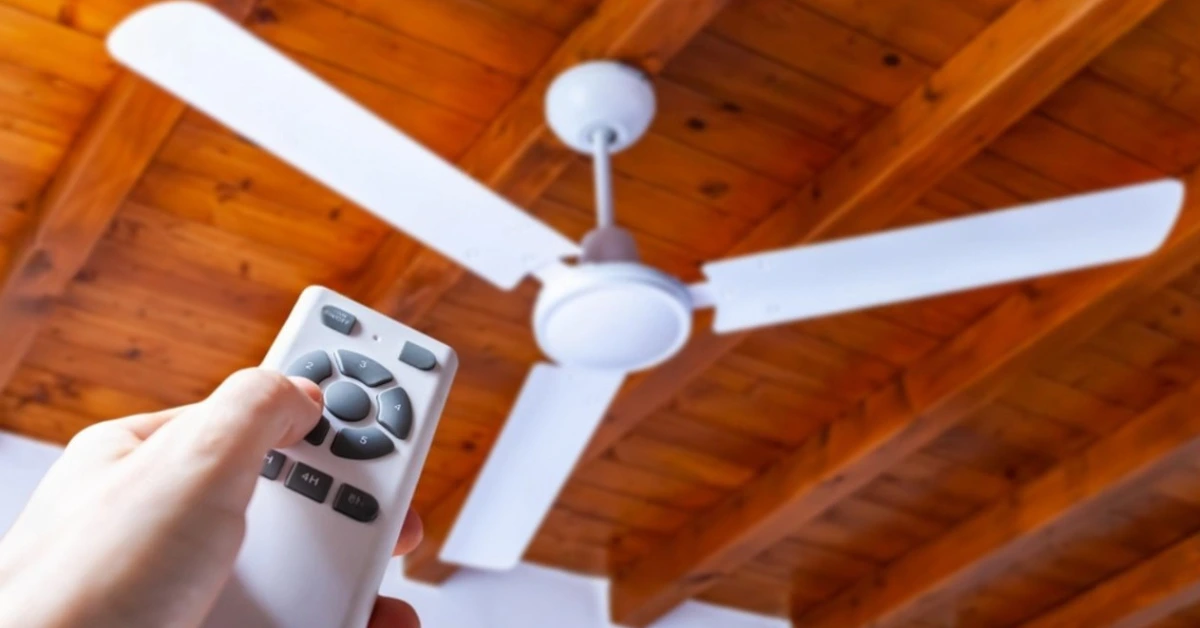
10 Best Ceiling Fan Brands in India: Features, Price & Warranty in 2026
July 29, 2025
18872+ views
Ceiling Fan Noise Problems: Causes, Easy Fixes and Maintaining Tips in 2026
November 6, 2025
2639+ views

How to Choose the Right Ceiling Fan: 27 Ways for Pick Perfectly
October 3, 2025
2487+ views
Most Viewed Articles
Best 10 Switch Brands in India 2026: Top Picks for Smart, Stylish, & Safe Homes
August 25, 2025
106286+ views
Top 10 Wire Companies in India: Founding Year, Valuation, Share Value and More Details in 2026
September 26, 2025
83020+ views

Wire Colour Code in India: Electrical Safety Simplified
January 31, 2025
44980+ views

10+ Best Electrical Wire For Home: Top Brands, Safety, Prices, Pros and Cons in 2026
September 5, 2025
20410+ views
10 Best Ceiling Fan Brands in India: Features, Price & Warranty in 2026
July 29, 2025
18872+ views
Author
Loved what you read? Share it with others!
Recent blogs in
V-Guard Vs Polycab Wires: Compare Quality, Safety, Price and Durability
December 18, 2025 by Vivek Mishra
Anchor Vs Havells Wire: Copper Purity, Insulation, Durability & Safety
December 17, 2025 by Ananth
Finolex vs RR Kabel: Safety, Durability, Copper Quality and Price Range
December 17, 2025 by Vivek Mishra
Top 10 Smart Touch Switches Brands in India: Types, Price Range and Warranty
November 18, 2025 by Priyanka Saha
Types of Wiring in a House: Importance, Comparison, Costs and Safety Tips
November 18, 2025 by Priyanka Saha










 Full RM + FRM support


Join the conversation!