Adobe (2081) - Nerolac Paints Colour Shade Card | NoBroker
Reimagine your space with Adobe (2081), a cosy amber shade from the Nerolac Paints Shade Cards. Great for dining spaces and kitchens, this tone partners well with deep browns and terracotta accents. Get expert advice and a free estimate on NoBroker.

Love This Colour? Make It Yours
Tell us about your home - we'll send you free estimate & expert colour advice
Paint Collection
Adobe (2081)
#DBAA86

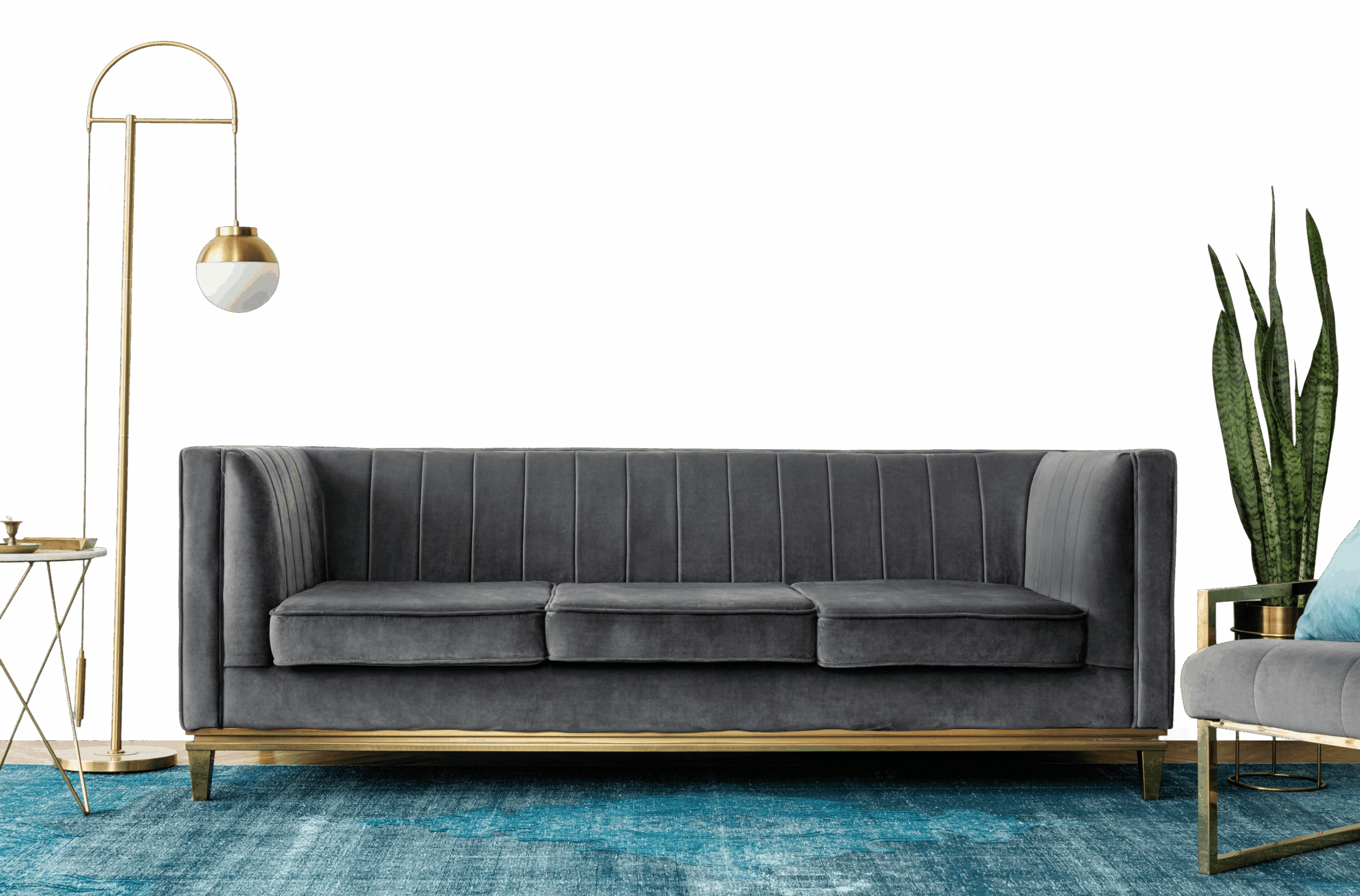
Adobe (2081): Rooms, Pairings and Finish
Adobe (2081) is a warm amber shade - a versatile mid-tone for full walls or a single feature. Its warm undertone pairs best with warm whites and natural woods.
Best Rooms for Adobe
- Living rooms: adds character while staying easy to live with.
- Dining rooms: a warm, golden glow at mealtimes.
- Bedrooms: a calm, grounded base for a restful room.
- Accent walls: adds depth and definition on a single wall.
- Studies and home offices: a steady tone that supports focus.
What to Pair With Adobe
Adobe slots into a wider scheme as a flexible base or accent. Reliable pairings:
- Brushed brass - plays up the golden tone.
- Deep walnut or teak - grounds the glow.
- Muted teal or sage - a cool, balancing accent.
Carry one of these into adjoining rooms to keep the whole home feeling cohesive.
Lighting & Finish
Lighting: Adobe deepens under warm light and afternoon sun, while north light keeps it even.
Finish: Matte in living rooms and bedrooms for a soft, premium feel; washable satin in kitchens, bathrooms and hallways.
Good to Know
Try a sample pot on more than one wall before deciding, as amber shades can look quite different in morning and evening light. Two coats over a tinted primer give the cleanest, most even result.
Frequently Asked Question's
What color is Adobe (2081) by Nerolac Paints?

Which room walls are best suited for Adobe (2081) paint?
Which colour shades pair well with Adobe?
Which paint finishes are available for Adobe?
Is Adobe suitable for small rooms?
Can Adobe be used for an accent wall?
Do I need to buy the paint, or will NoBroker painting services provide it after I choose the shade?
What's next after selecting paint colours for my home?
How can NoBroker help to select the right colour paint for your home?
How to contact NoBroker for selecting the right colour for my home?