Samsung Washing Machine Error Codes: Meaning, Causes and Troubleshooting Guide


Appliance Tips & Guides

192 Views
Table of Contents
If your Samsung washing machine suddenly stops during a wash cycle and displays an unfamiliar error code, it doesn't always mean the appliance has suffered a major fault. These codes are designed to identify specific problems so you can understand what's preventing the machine from operating properly. Whether it's a water supply issue, drainage problem, door lock fault, or sensor malfunction, understanding Samsung washing machine error codes can help you troubleshoot the issue quickly.
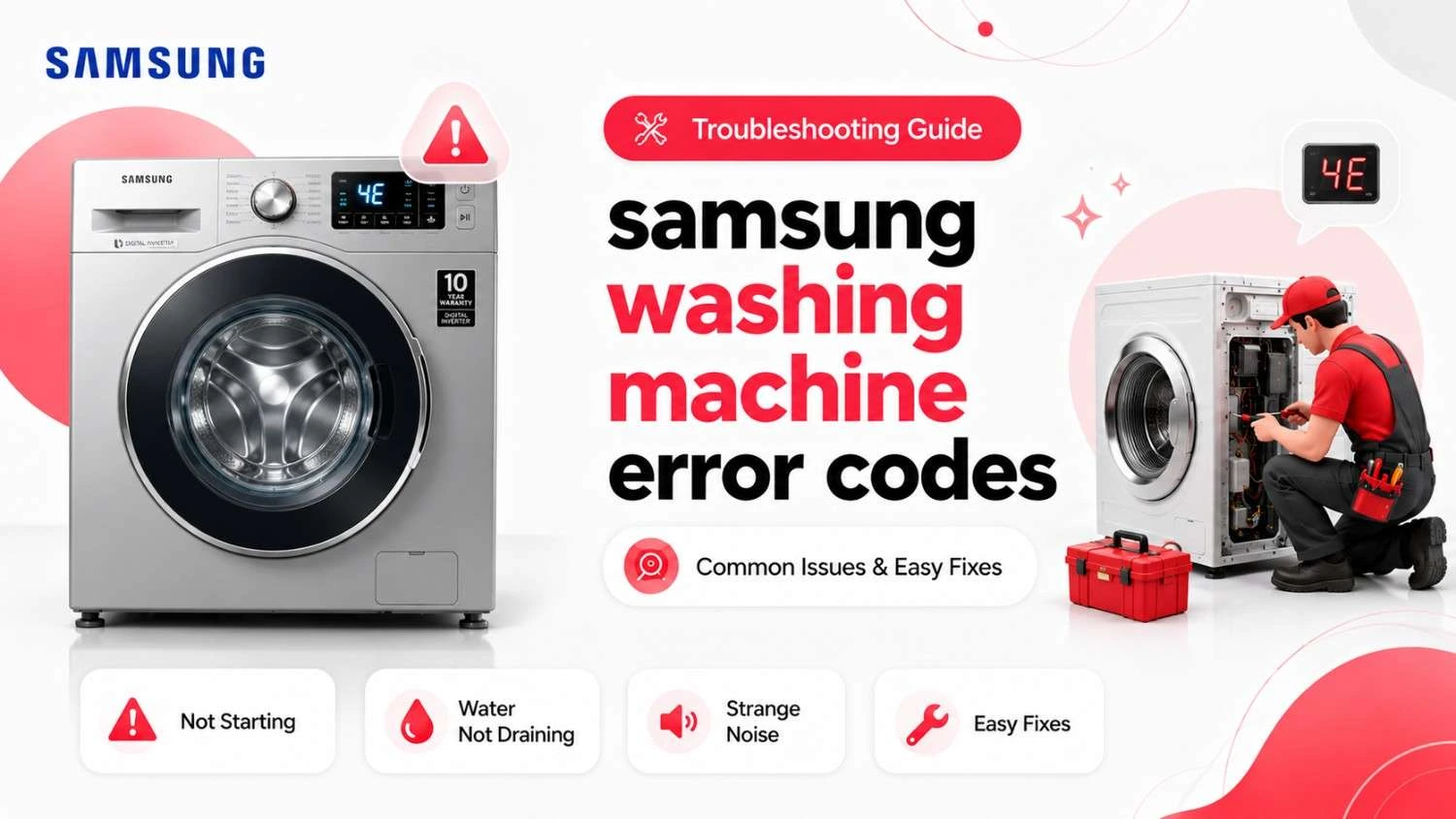
This guide explains the most common Samsung washing machine error codes, their possible causes, and the best ways to resolve them before calling a technician.
Why Does a Samsung Washing Machine Display Error Codes?
Samsung washing machines are equipped with an intelligent self-diagnostic system that continuously monitors different components throughout every wash cycle. If the appliance detects a fault that affects performance or safety, it pauses the programme and displays an error code.
Some common reasons include:
- Low or interrupted water supply
- Blocked drain hose or pump filter
- Door not closed properly
- Unbalanced laundry load
- Excess detergent or foam
- Water leakage
- Heating or motor issues
- Electronic control board malfunction
Many of these issues can be resolved with simple troubleshooting, while others require professional servicing.
Samsung Washing Machine Error Code List
Samsung washing machines use a wide range of error codes depending on the model. Although newer models may display slightly different codes, the following are among the most commonly encountered.
Before inspecting filters or hoses, always switch off the appliance and disconnect the power supply.
Samsung Front Load Washing Machine Error Code List
Samsung front-load washing machines monitor water filling, drainage, heating, spinning, and door locking throughout the wash cycle. If one of these systems develops a fault, an error code appears on the display.
The table below explains the most common Samsung front-load washing machine error codes and their recommended solutions.
While certain Samsung models may include additional diagnostic codes, the following list covers the errors most users are likely to experience.
| Error Code | Meaning | Possible Cause | Suggested Solution |
| 4C / 4E | Water supply error | Low water pressure or blocked inlet | Check the water tap and clean the inlet filter |
| 5C / 5E | Drainage problem | Blocked drain filter or hose | Clean the drain system |
| DC / DC1 | Door lock error | Door not properly closed | Close the door securely and restart |
| UE / UB | Unbalanced load | Uneven laundry distribution | Rearrange the clothes |
| LC / LC1 | Water leakage detected | Internal leak | Turn off the appliance and inspect for leaks |
| OC | Overflow error | Faulty inlet valve | Turn off the water supply |
| HC | Heating system fault | Heating element issue | Professional servicing recommended |
| 3C | Motor error | Motor or inverter problem | Contact a technician |
| 9C1 / 9C2 | Voltage error | Power supply issue | Check the electrical connection |
| LE | Low water level or leak | Water leakage or sensor issue | Inspect hoses and connections |
Samsung Top Load Washing Machine Error Code List
Samsung top-load washing machines also feature automatic diagnostics that help identify operational issues before they become more serious.
The following table explains the most common Samsung top load washing machine error codes.
| Error Code | Meaning | Possible Cause | Recommended Action |
| 4C | Water filling issue | Low water pressure | Check the inlet hose |
| 5C | Drain issue | Blocked drain hose | Clean the drain filter |
| DC | Lid lock problem | Lid not properly closed | Close the lid securely |
| UB | Unbalanced load | Uneven laundry | Rearrange the clothes |
| LC | Water leakage | Internal leak | Stop using the appliance |
| OC | Overflow | Faulty water level sensor | Turn off the water supply |
| CL | Child Lock active | Safety feature enabled | Disable Child Lock |
Common Samsung Washing Machine Error Codes Explained
Many Samsung washing machine error codes are related to everyday maintenance or washing habits. Understanding what they mean helps you identify the problem more quickly.
Samsung Washing Machine Error Code 4C / 4E
The 4C or 4E error indicates that the washing machine isn't receiving enough water.
Possible causes include:
- Water tap turned off
- Low water pressure
- Blocked inlet filter
- Bent inlet hose
- Faulty inlet valve
Ensure the tap is fully open and clean the inlet filter before restarting the machine.
Samsung Washing Machine Error Code 5C / 5E
The 5C or 5E error means the washing machine cannot drain wastewater properly.
Possible causes include:
- Blocked drain filter
- Clogged drain hose
- Faulty drain pump
- Incorrect drain hose installation
Cleaning the filter and checking the drain hose usually resolves the issue.
Samsung Washing Machine Error Code DC / DC1
The DC or DC1 error indicates that the door is not securely locked.
Check for:
- Clothes trapped in the door
- Door not fully closed
- Faulty door lock
- Damaged latch
Close the door firmly and restart the wash programme.
Samsung Washing Machine Error Code UE / UB
The UE or UB error appears when the washing machine detects an uneven laundry load during spinning.
To resolve the issue:
- Pause the wash cycle.
- Rearrange the clothes evenly.
- Remove some laundry if the drum is overloaded.
- Restart the spin cycle.
Balanced loads improve washing performance and reduce vibration.
Samsung Washing Machine Error Code LC / LC1
The LC or LC1 error indicates that the appliance has detected water leakage.
Possible causes include:
- Loose hose connections
- Damaged door seal
- Internal leakage
- Overflow condition
Switch off the washing machine immediately and inspect it carefully before using it again.
Samsung Washing Machine Error Code OC
The OC error indicates that the washing machine has detected an overflow condition. This happens when the water level inside the drum rises beyond the normal limit.
Possible causes include:
- Faulty water inlet valve
- Pressure sensor malfunction
- Excessive detergent causing excess foam
- Electronic control board issue
Turn off the water supply and switch off the washing machine. If the error returns after restarting, professional servicing is recommended.
Samsung Washing Machine Error Code HC
The HC error is related to the heating system. It appears when the appliance cannot heat the water correctly during the wash cycle.
Possible reasons include:
- Faulty heating element
- Damaged temperature sensor
- Loose wiring
- Electronic control fault
Heating-related problems should be diagnosed by a qualified technician to avoid further damage.
Samsung Washing Machine Error Code 3C
The 3C error points to a motor-related issue. When this code appears, the drum may fail to rotate properly or stop completely.
Common causes include:
- Motor overload
- Faulty motor
- Wiring issue
- Inverter malfunction
Reduce the laundry load and restart the appliance. If the error appears again, arrange for professional servicing.
Samsung Washing Machine Error Code 9C1 / 9C2
The 9C1 or 9C2 error indicates that the washing machine has detected an unstable electrical supply.
Possible causes include:
- Voltage fluctuations
- Loose power connection
- Faulty power outlet
- Internal electrical fault
Avoid operating the appliance until the power supply is stable. If the problem continues, have the electrical system inspected.
Samsung Washing Machine Error Code LE
The LE error generally indicates water leakage or a problem with the water level sensing system.
This may occur because of:
- Damaged drain hose
- Internal water leak
- Faulty water level sensor
- Loose hose connections
Inspect all visible hoses for leaks and ensure the washing machine is installed correctly before restarting it.
Samsung Washing Machine Child Lock Indicator
If the display shows CL or a lock symbol, it doesn't indicate a malfunction. It simply means the Child Lock feature has been activated.
To disable Child Lock:
- Press and hold the Child Lock button or the specified button combination for a few seconds.
- Wait until the lock symbol disappears.
- Continue using the appliance normally.
Refer to your Samsung washing machine manual if the button combination differs by model.
Quick Troubleshooting Guide for Samsung Washing Machines
Before booking a repair service, it's worth carrying out a few basic checks. Many common problems can be resolved without replacing any components.
The table below summarises some common issues and the first troubleshooting step to try.
| Problem | Possible Cause | First Solution |
| Machine doesn't fill with water | Water supply issue | Check the tap and clean the inlet filter |
| Water doesn't drain | Blocked drain hose or filter | Clean the drain system |
| Door won't lock | Faulty latch or obstruction | Close the door securely |
| Drum doesn't spin | Unbalanced or overloaded laundry | Rearrange the clothes |
| Water leaks from the machine | Loose hose or damaged seal | Inspect hose connections |
| Display shows CL | Child Lock enabled | Disable Child Lock |
| Error code appears repeatedly | Internal component fault | Contact a technician |
Tips to Prevent Samsung Washing Machine Error Codes
Routine maintenance helps improve washing performance and reduces the chances of unexpected error messages.
Here are a few maintenance tips:
- Clean the drain filter every month.
- Wash the detergent drawer regularly.
- Check the inlet and drain hoses for blockages.
- Avoid overloading the drum.
- Use only the recommended amount of detergent.
- Wipe the rubber door gasket after every wash.
- Leave the washing machine door slightly open after use to reduce moisture and prevent mould growth.
- Run the Eco Drum Clean or Drum Clean cycle regularly if your model supports it.
- Ensure the appliance is installed on a level surface.
- Arrange periodic servicing for long-term performance.
When Should You Contact a Professional?
While simple problems such as blocked filters or uneven laundry loads can often be resolved at home, some issues require professional expertise.
You should contact a technician if:
- The same error code appears repeatedly.
- The washing machine leaks water.
- The drum fails to rotate.
- The appliance makes unusual noises or emits a burning smell.
- Heating, motor, or electronic control errors continue after troubleshooting.
- The display panel stops responding.
Addressing these issues promptly can help prevent more expensive repairs later.
How Can NoBroker Help with Samsung Washing Machine Repairs?
If your Samsung washing machine continues displaying error codes after you've tried the recommended troubleshooting steps, NoBroker can help. Experienced technicians can diagnose problems related to water inlet, drainage, sensors, motor performance, heating systems, and electronic control boards. With doorstep service, transparent pricing, genuine spare parts whenever required, easy online booking, and a service warranty, you can get your Samsung washing machine back to working condition quickly and conveniently.
Final Verdict
Understanding Samsung washing machine error codes helps you identify appliance problems early and take the right corrective action. Issues such as blocked filters, poor water supply, or an unbalanced load can often be fixed at home, while recurring motor, heating, leakage, or electronic control errors should be handled by trained technicians. Regular cleaning, proper maintenance, and timely servicing will help keep your Samsung washing machine operating efficiently for years.
Frequently Asked Questions
Why is my Samsung washing machine showing an error code?
How do I reset my Samsung washing machine after an error?
Why is my Samsung washing machine not draining water?
What does the UE or UB error mean on a Samsung washing machine?
Can low voltage affect my Samsung washing machine?
Is it safe to continue using my Samsung washing machine after an error appears?
Why is my Samsung washing machine vibrating during the spin cycle?
How often should I clean my Samsung washing machine?
How can I reduce the chances of Samsung washing machine error codes?
When should I call a technician for my Samsung washing machine?

Login / Sign up
Zero Brokerage.
Thousands of new listings daily.
100 Cr+ Brokerage saved monthly.
About the Author

avneen kaur
Senior Editor


Recent Blogs
Subscribe to our Newsletter
Get latest news delivered straight to your inbox